
How to Choose Photos for Your Wedding Album
Key Takeaways
- Craft a story-first, chronological album that covers essential moments without cramming pages;
- Aim for 80–120 photos across 30–40 spreads, about 1–3 images per page, blending portraits, candids, and meaningful details;
- Prioritize technically strong images, 300 DPI, bright exposures, consistent edits, and use a two-pass cull to remove near-duplicates;
- Elevate your favorites: turn 6–12 hero shots into a Mixtiles wedding wall, then finalize your complete album with confidence.
Choosing which images to include in your wedding album can feel overwhelming when you are staring at hundreds of beautiful photos. The secret is to think like a storyteller, then apply a simple culling workflow and a few design rules. This guide shows you exactly how to choose photos for wedding album success, balance portraits and candids, avoid common mistakes, and bring your top favorites to life as a Mixtiles gallery wall without overthinking it.
Ready to see your wedding photos on your wall? Create a stunning photo gallery wall you will love in minutes. Upload your favorite shots in the Mixtiles app or on our website and preview your gallery before you buy.
How many photos should go in a wedding album, realistically?
The sweet spot for most wedding albums is 80–120 photos for a 30–40 spread book. That range keeps your story complete and your design clean. Aim for 1–3 images per page in traditional albums. If you use our wedding photo books, you will place one photo per page, so simply choose 24–200 images based on your preferred size and page count. Less, with more white space, usually looks better and makes your best shots shine.
- Choose 80–120 photos for a balanced story, fewer for minimalist styles and more for documentary depth;
- Aim for 1–3 images per page in typical books, or one per page in Mixtiles Photo Books for a bold, gallery feel;
- Favor breathing room and full-page moments over busy collages for a premium look.
Planning a Mixtiles Photo Book for your wedding day memories? Each page features a single full-size photo. Pick a size that fits your coffee table and your story.
|
Mixtiles Photo Book Size, Imperial |
Mixtiles Photo Book Size, Metric |
|---|---|
|
8 × 8 inches |
21 × 21 cm |
|
10 × 10 inches |
25 × 25 cm |
|
12 × 12 inches |
32 × 32 cm |
How do you build a story that feels like your day?
Order your photos chronologically, then blend wide scene-setters, intimate portraits, and candid emotions. Think of each spread as a chapter that moves you from getting ready to the ceremony to the dance floor, so friends and family can relive the flow of the wedding day from first look to last song.
Which moments are essential to include?
Must-have moments (create chapters):
- Set the scene with invites, venue, décor, and florals;
- Getting ready with attire, rings, fragrances, groom getting ready, and candid nerves and joy;
- First look if you did one with reactions and portraits;
- Ceremony highlights like aisle processional, vows, readings, ring exchange, first kiss, and recessional;
- Group portraits for immediate family, wedding party, and wider groups;
- Newlywed portraits for a few timeless hero shots;
- Reception with room reveal, details, entrances, toasts, first dance, cake, and dance floor;
- Farewell or exit like a sparkler send-off or final quiet moment.
How do you balance portraits, candids, and details?
A helpful ratio is about 40 percent portraits, 35 percent candids, and 25 percent details or documentary images. Use details to pace the album and give breathing room between portraits. Mix in guest reactions during toasts, a wide shot of the room, and a simple close-up of the bouquet to add texture.
What’s the fastest workflow to choose without second-guessing?
Use a two-pass cull. First, pick with your heart. Second, refine with your head. Cap each chapter so you do not overfill pages. This method gets you to a clean selection quickly and saves time for design and proofing.
On pass one, favorite any photo that sparks emotion. On pass two, remove near-duplicates, blurry frames, and anything that repeats the same pose. Give yourself simple caps, for example 8–12 ceremony images, 6–10 newlywed portraits, 8–12 reception highlights, so your album stays tight and elegant.
The five-shot tie-breaker when images feel the same:
- Sharp eyes and crisp focus on the bride and groom;
- Flattering posture and expressions for the couple and the wedding party;
- Clean background with minimal distractions or clutter;
- Good light and true-to-life color that matches the rest of the album;
- Genuine emotion or a moment that advances the story.
If you are still stuck, choose the frame that moves the narrative forward, for example the ring exchange over a generic smile.
What technical quality should you prioritize for print?
Choose high-resolution pictures at 300 DPI when possible. Slightly bright exposures print better than slightly dark. Keep color grading consistent across the book, and avoid heavy filters. Always check crops so faces are not lost near the gutter or fold.
Quick pre-print edits that make a big difference
Lift exposure and open shadows on darker frames so the print matches what you see on screen. Straighten horizons and crop out edges that include exit signs or clutter. If mixed lighting cannot be fixed, try a black and white conversion for a classic, cohesive look.
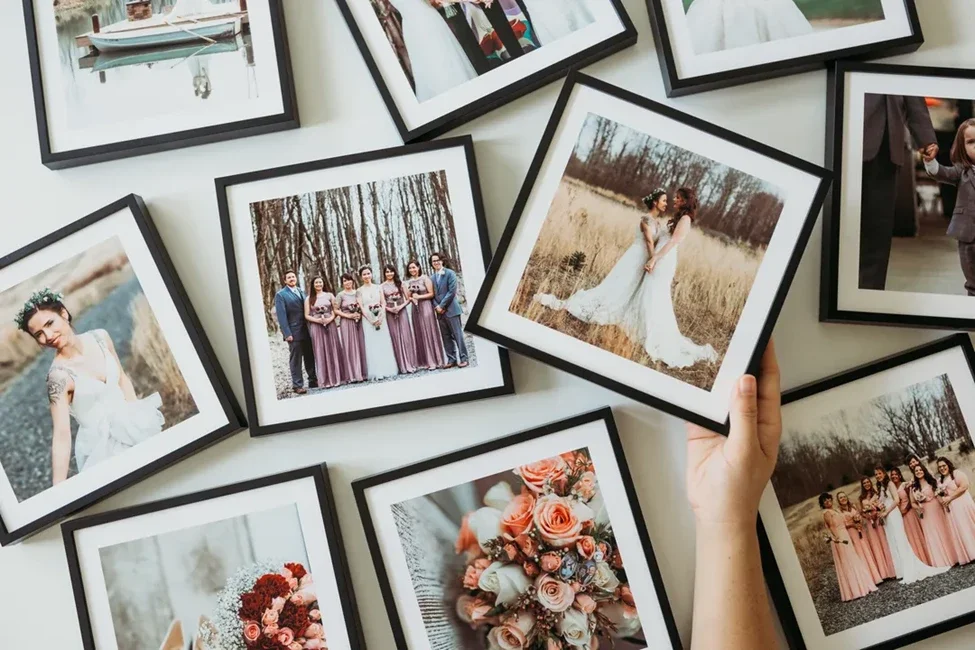
Your top 12 wedding photos deserve the spotlight. Turn them into a set of peel-and-stick photo tiles. No nails, no damage, and easy to rearrange anytime.
Which photo should go on the cover, and how do you pick opener or closer spreads?
Your cover image should be iconic and timeless with an uncluttered background. Look for strong eye contact, a natural embrace, or joyful motion like a recessional. For the opening spread, set the scene with a wide venue shot paired with a favorite getting ready picture or a detail collage in a traditional album. For the closing spread, choose a joyful exit, a quiet last dance, or a wide shot of the party that feels like a satisfying finale.
Using Mixtiles Photo Books, you can select a front cover photo and add a custom title. The back cover stays photo-free for a minimalist finish, and pages present one image per page for a modern gallery look.
Should you include captions, vows, or keepsakes?
Minimal text can add meaning without clutter. A simple title page with names and date works well. You can scan vows, a menu, or the invitation and include them on a spread in traditional albums to personalize the story. Mixtiles Photo Books currently focus on clean, photo-first design. You can customize the cover title and spine, and we will share updates as more text features arrive.
How do you turn album favorites into wall-worthy art?
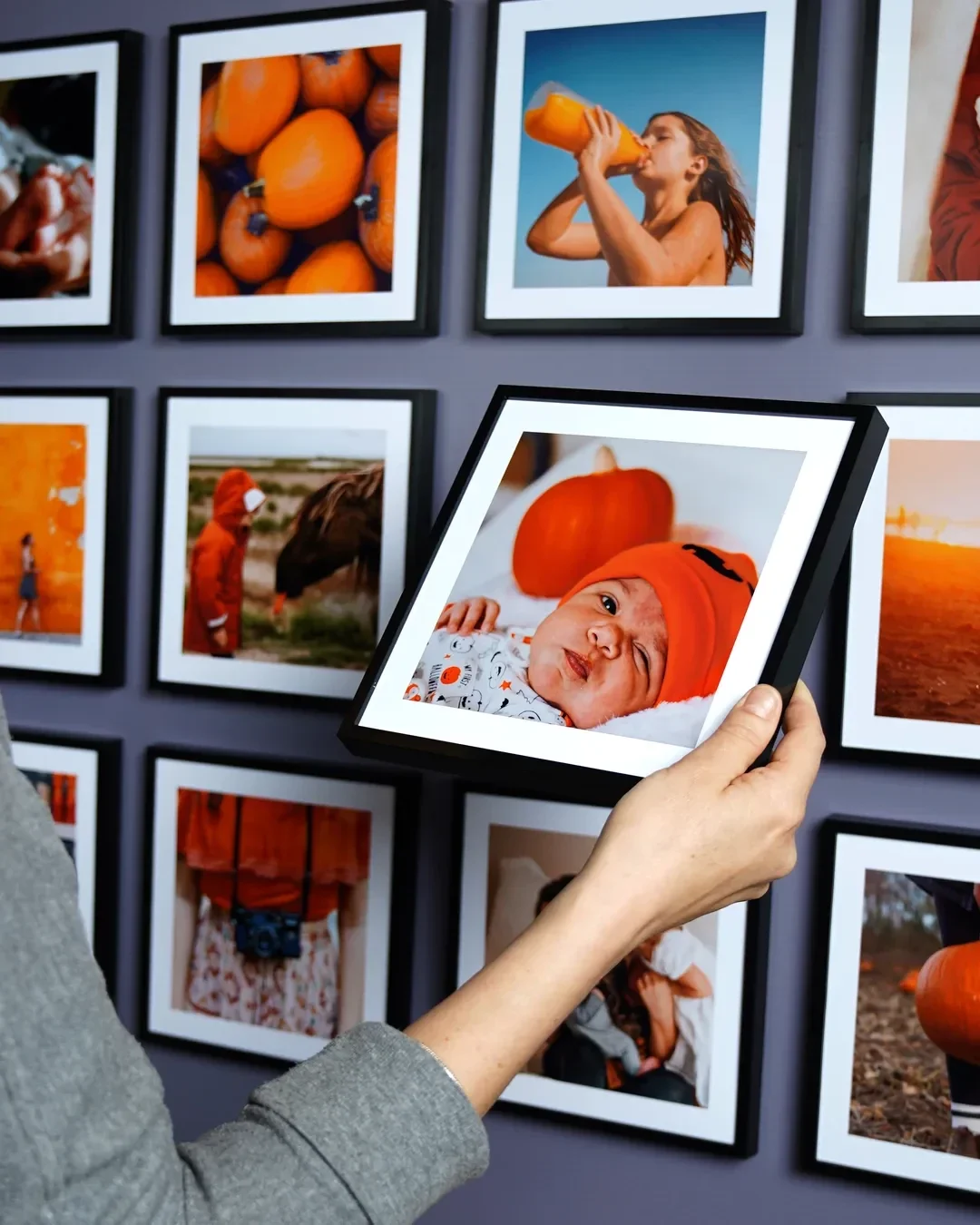
Select 6–12 hero photos that feel cohesive, for example all black and white portraits, golden-hour shots, or the biggest smiles from the reception. Build a gallery wall that mirrors your album chapters, then place it where you will see it daily at home so you relive your wedding photos without opening a book.

Mixtiles are lightweight framed photos with an adhesive backing that sticks and re-sticks without damaging walls. They are ideal for apartments and for couples who like to refresh decor over time. You can design and preview layouts in the app before ordering, then swap or add tiles as you get engagement photos, honeymoon pictures, anniversaries, and family milestones. Gallery Wall Kits come with curated layouts so installation feels easy and fun.
What common album mistakes should you avoid?
- Avoid overcrowding spreads: too many images per page make important shots feel small;
- Do not ignore candids and in-between moments in favor of only portraits;
- Keep color tones consistent from page to page;
- Watch the gutter so no face lands in the fold;
- Most importantly, do not let decision fatigue stall the keepsake. Set a deadline for each selection round so you can share your album with friends and family soon.
Your wedding album should feel like the day itself: intentional, emotional, and easy to relive. Now you know how to choose photos for wedding album perfection, from the right count to a simple culling workflow to quality checks that make prints look their best. Elevate your favorite wedding photos onto your walls with Mixtiles so the moments you love are always on display, not hidden on a drive.
Ready to turn your favorite wedding photos into timeless art? Create beautiful custom canvas prints today. Design in minutes on our app or site, stick them up without nails, and rearrange anytime. Need help? Chat with our support team in the app or by email, and we will guide you through placing your order.
Frequently Asked Questions
How many photos should we include in our wedding album?
For most couples, 80–120 photos across 30–40 spreads feels complete and uncluttered. Aim for 1–3 images per page in traditional books. With Mixtiles Photo Books (one photo per page), your image count simply equals your page count, typically 24–200.
How do we choose which wedding photos to share online?
Share images that tell a clear story: a mix of portraits, candids, and meaningful details. Prioritize photos that reflect your style, are technically strong, and feature close family and friends. Keep edits consistent, get permission when needed, and credit your photographer and vendors.
What’s the best way to select photos for our album?
Use a two-pass cull. First, favorite anything that sparks emotion. Second, remove duplicates and weaker frames. Build by chapters (getting ready, ceremony, portraits, reception), cap each section, and balance portraits, candids, and details so the story flows without overcrowding.
What common photo book layout mistakes should we avoid?
Overstuffed pages, inconsistent color grading, faces in the gutter, crooked horizons, and too many near-duplicates. Give hero shots breathing room, keep tones cohesive, watch margins, and sequence images so each spread advances the story. When in doubt, choose fewer, stronger photos.

Be first to know — deals, news & decor ideas.
By clicking you agree to the Terms of Use & Privacy Policy